I came across this project called rv003usb by cnlohr. It features a bit-banged USB controller for the RISC-V CH32V003 MCU. I was always interested in learning more about the protocol.
Hardware#
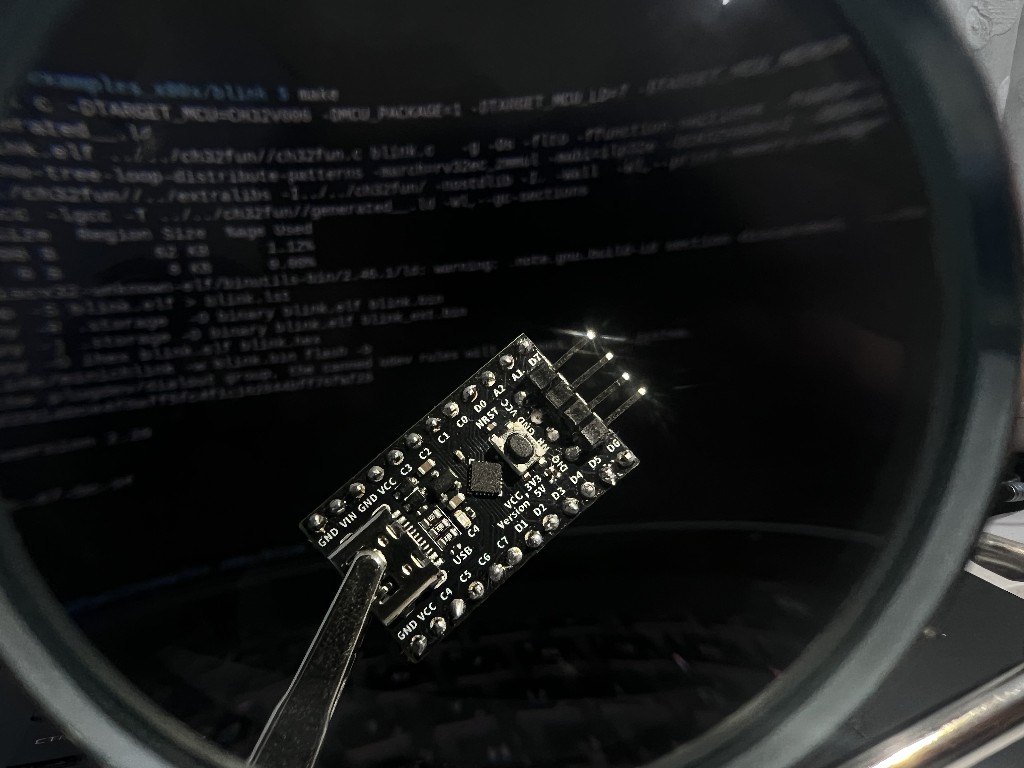
I got a CH32V006 dev board and its programmer WCH.linkE from WeActStudios on aliexpress. They have schematics uploaded on their github page, which shows some interesting connections.
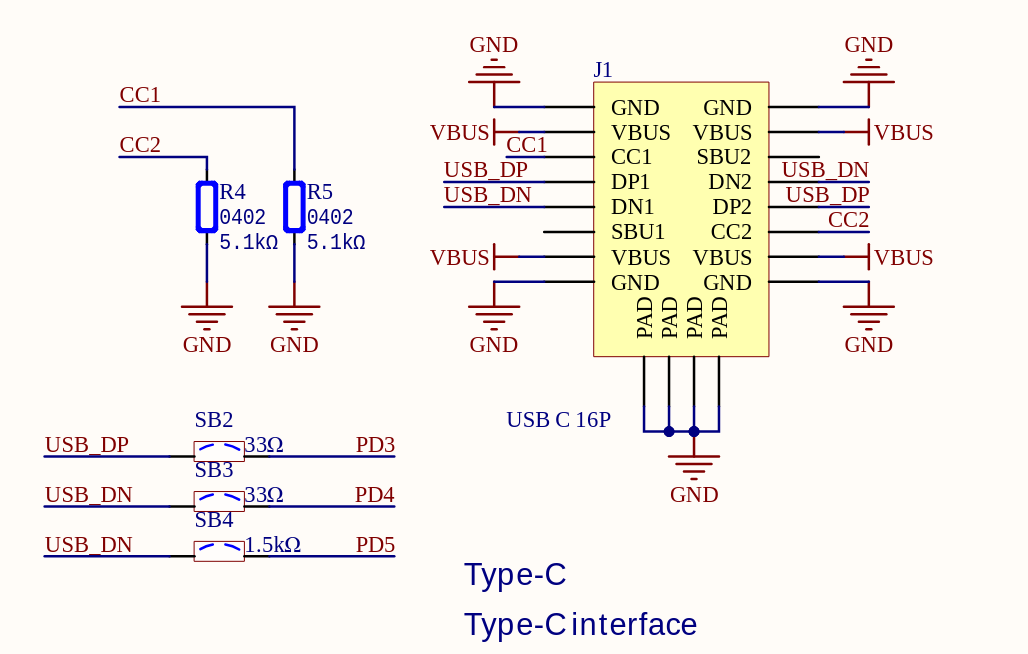
As per the schematic D+ and D- are hooked upto PD3 and PD4 through 33Ω resistors. I verified it using a multimeter. The D- is also hooked to PD5 through a 1.5kΩ resistor likely as part of USB low speed configuration. This means I can easily run rv003usb without any external setup.
Toolchain#
cnlohr has a nice repo with a lot of built in functionality called ch32fun. This project decouples essential functionality from the official IDE, so that a lightweight toolchain is available for these boards. It does not ship a risc-v compiler, so you need to install one. Instructions are available in the wiki. I use Gentoo, here is how I set it up using crossdev:
Gentoo riscv toolchain installation#
To start development we need the riscv 32bit bare metal toolchain which has the
assembler, compiler, linker and a glibc replacement called newlib. We
probably won't need to use newlib since ch32fun provides a lot of
functionality out of the box and including these libraries usually use a lot of
flash memory. We need to first emerge sys-devel/crossdev if not already
installed. To configure crossdev refer the wiki as it gives you multiple
options.
Note: crossdev is a collection of scripts which can generate e-builds for portage to build cross-development toolchains. (Handles all the symlinking to your system GCC and all that stuff)
Now that crossdev is configured we can compile our toolchain using a single command:
crossdev --target riscv32-unknown-none-newlib
// command to uninstall in case of errors; read gentoo wiki for more details
crossdev --clean --target <target>
This command is equivalent to the previous command but your binary name will be different and shorter for example: your gcc will now be riscv32-unknown-elf-gcc instead of riscv32-unknown-none-newlib-gcc
crossdev --target riscv32-unknown-elf
SystemInit()#
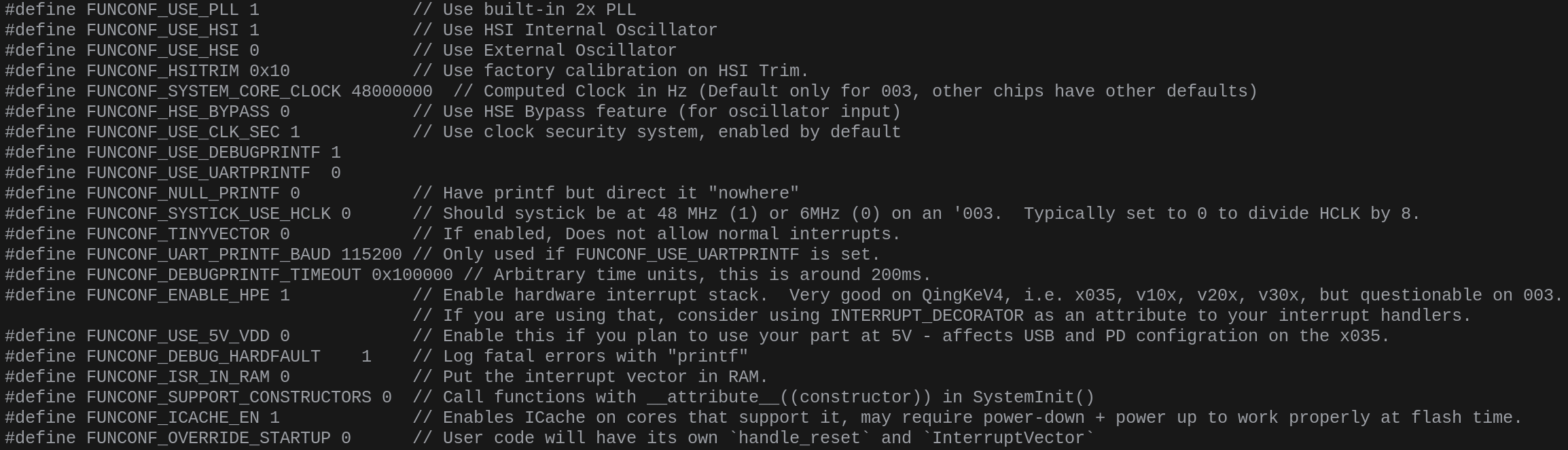
Full list of config options is available in ch32fun/ch32fun/ch32fun.h.